
In engineering development · design targets, not test results
TechnologySensing
Feel the path before the tip touches it.
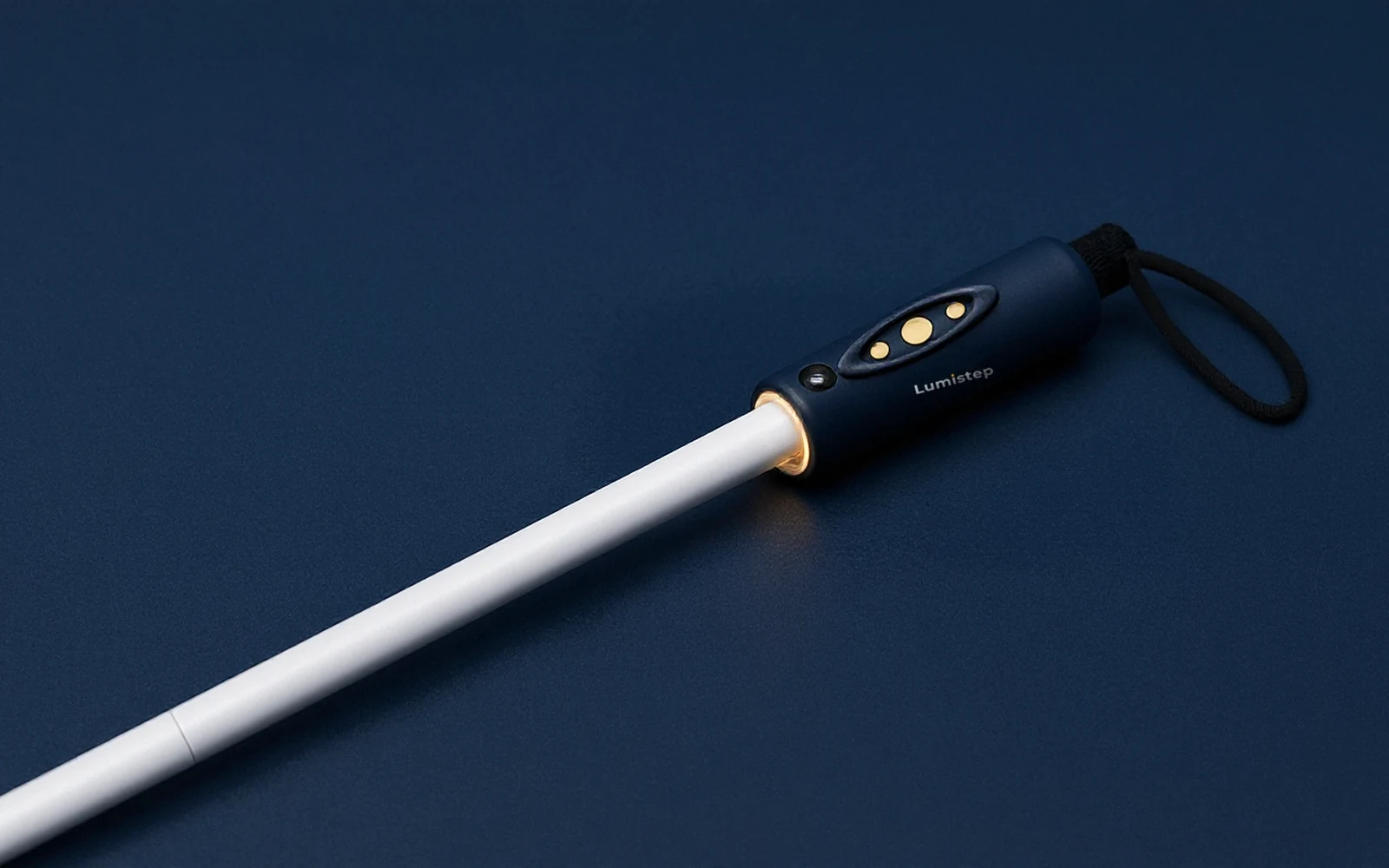
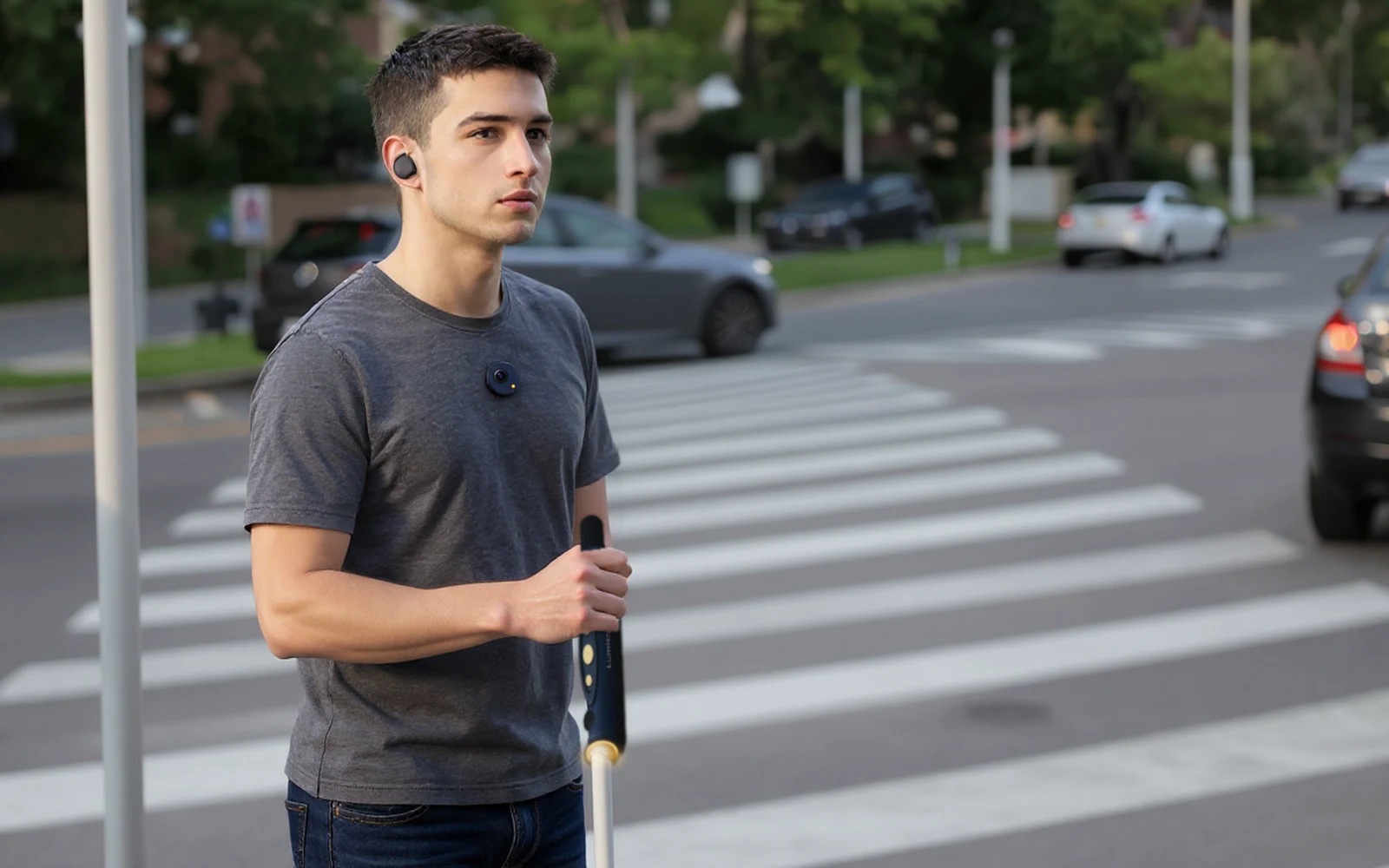
The Lumistep Smart Cane has a sculpted smart handle. A 60 GHz radar sits behind the curved sensor lens on its front, looking forward and up to head height. A downward laser window underneath watches for kerbs, steps and drains. A motion sensor inside knows where the cane is pointing. Two small motors, left and right, tell your hand what they found.
Three sensors
Radar for what is ahead. A laser for what drops away.
Sensor lens · Acconeer A121 radar
Radar behind the sensor lens, up to head height.
Behind the lens, a fingernail-sized chip sends very short 60 GHz radio pulses and times the echo.[39] Because it uses radio, not light, its maker rates it as unaffected by sunlight, dust or the colour of an object, and it works behind plastic, so the sensor lens is sealed glass with no opening for rain to get in.[38]
Downward laser · ST VL53L1X
An eye-safe laser that watches for drops.
A small laser window under the handle points down and ahead. It times invisible, Class 1 eye-safe laser light bouncing off the ground to notice a kerb, step or open drain a little before your tip reaches it.[18] Bright sun shortens this kind of sensor's range,[40] so your cane tip stays your main drop detector.
Motion sensor · 6-axis
Your swing turns one beam into an arc.
The radar measures distance, not direction.[39] A motion sensor in the handle knows which way the cane is pointing at that moment, so Lumistep can tell you whether something is to your left, your right or straight ahead.
Street, the default: very near under about 0.7 m, near up to about 1.2 m.
Three ranges, chosen with a button: Crowd (shortest, for busy pavements), Street (the default) and Open (up to about 3 m). Design targets, to be tuned with blind testers.
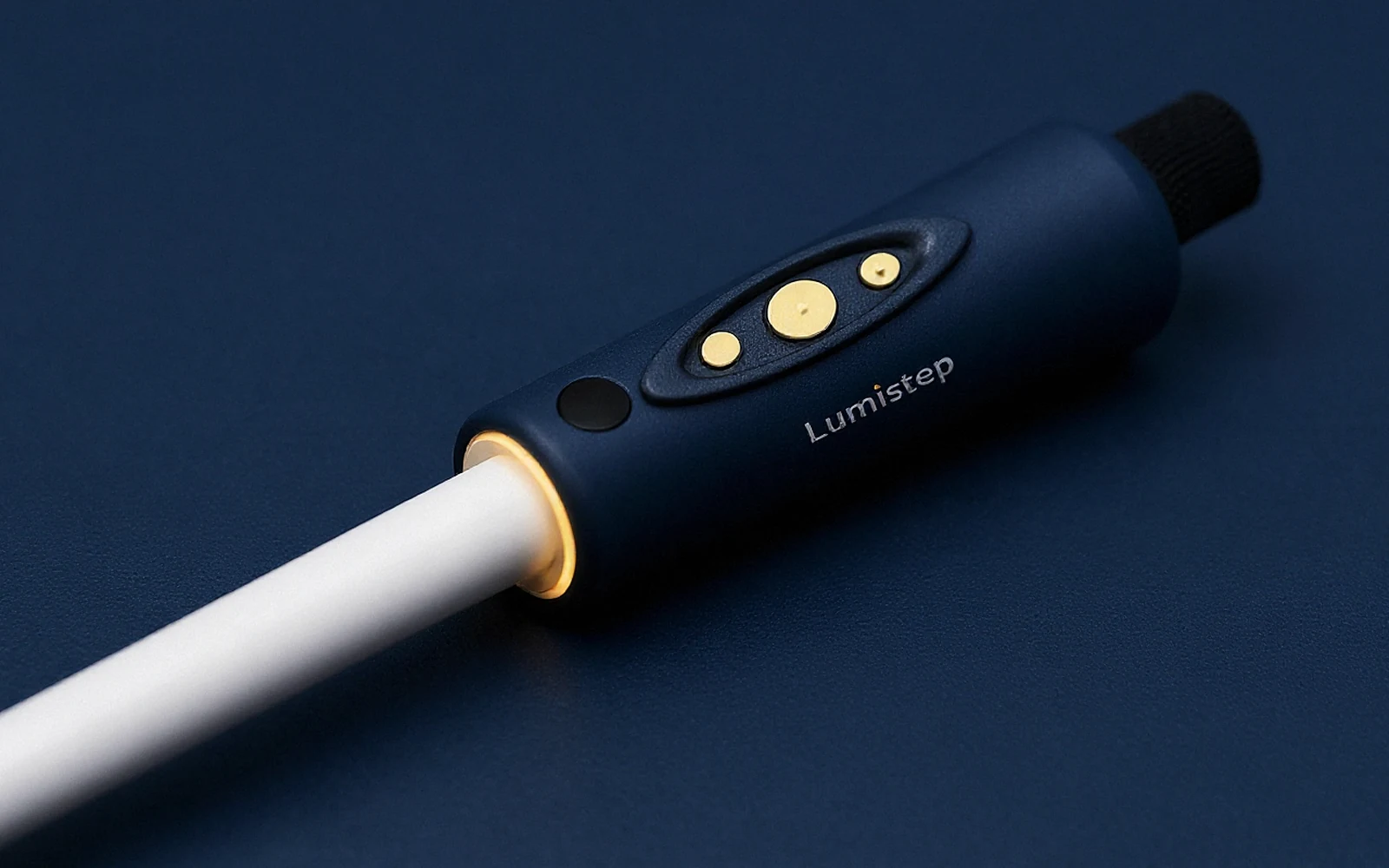
The smart handle
Six parts, one handle.
- Sensor lensCurved black glass on the front, with the 60 GHz radar behind it, looking forward and up to head height.
- Downward laser windowUnderneath the handle, for kerbs, steps and drains.
- Talk, Call and SOSThree flush buttons in a guarded thumb pad, with a firm press and a swing lock, so they can’t be pressed by accident.
- Left and right hapticsTwo motors that tell you which side something is on.
- Speaker and USB-CA fine speaker grille for spoken alerts, and USB-C charging.
- Amber Lumi ringWhere the handle meets the white folding shaft. It also helps people see you at night.
Concept design. Final details follow field trials.
Sensing specifications
- Radar
- Acconeer A121, 60 GHz pulsed coherent radar[39]
- Radar beam
- About 65° × 53°[38]
- Radar power
- About 1 mW at 10 readings a second[38]
- Laser
- 940 nm, Class 1 (IEC 60825-1)[18]
- Motion sensor
- 6-axis accelerometer and gyroscope
- Range modes
- Crowd, Street (default) and Open, up to about 3 m (targets)
- Haptics
- Two motors, left and right; strength adjustable
Controls
Buttons you can find, but can't press by accident.
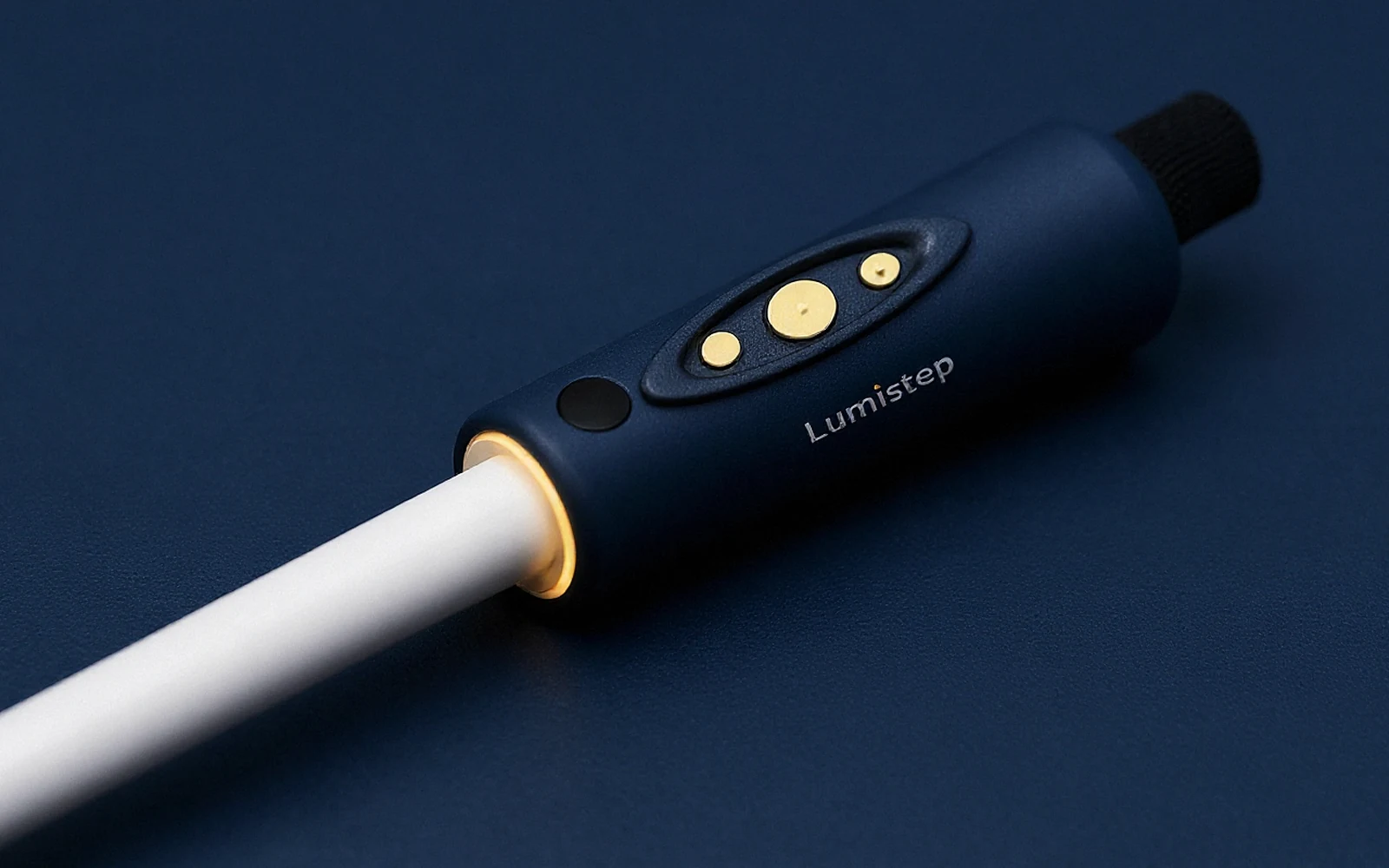
- The thumb padOne shallow oval recess on the top front of the handle, with a raised 1.5 mm guard rim. The three buttons sit about 1 mm below that rim, so a gripping palm cannot reach them.
- Talk, Call and SOSTalk is the largest, in the centre, with one raised dot. Call is small and at the rear, with two dots. SOS is small and at the front, with a ridged texture. All three are matte soft gold, flush, never glossy domes.
- A firm pressAbout 4 N to press, with a clear click, so brushing against a button does nothing.
Deliberate gestures, set by Lumi OS.
Talk
Press and hold, then speak.
Hold for about half a second, then ask Lumi or give a command.
Call
Double press.
Calls the person you chose in the app, hands-free.
SOS
Hold for 3 seconds.
A rising buzz counts down. Let go to cancel. Your location goes to your chosen contacts.
Swing lock
Quick taps are ignored mid-swing.
While the motion sensor feels the cane sweeping, single quick taps do nothing.
Haptic language
A vibration language kept deliberately small.
The patterns
Each pattern is shown as a rhythm on the two motors. The words say the same thing.
The two motors in the smart handle
Press a pattern to see its rhythm. On a phone that supports it, you can feel it too. Timings here are illustrative; blind testers set the real ones in our 2027 trials.
van Erp et al., 2017
Where is easy. How far is hard.
In a vibration-belt study, people named the direction of a buzz correctly about 90% of the time. Coding four distance levels was too many; two levels were workable, even while doing something else.[31]
Skovfoged et al., 2022
Extra alerts slow people down.
Blind and visually impaired walkers using an augmented cane walked more slowly when it gave extra, unnecessary alerts.[32] So Lumistep stays quiet unless something is in your path.
Our choice
Two distance levels. One special pattern.
Everyday modes use just two distance levels: near and very near. Open mode adds a gentle early pulse. One unique pattern is kept only for drops. Strength is adjustable. We are testing two kinds of motor, coin motors and faster linear motors, and blind testers will choose.
Honest limits
What sensing cannot do yet.
- Not yet tested. Monsoon rain, glass doors, thin poles and hanging cloth.
- Bright sun. Shortens the laser's range, so the cane tip stays your main drop detector.
- Direction from motion. Left and right come from your swing. If you hold the cane still, Lumistep knows distance better than direction.
- Crossings. Lumistep never tells you it is safe to cross. That decision stays with you, your cane or dog, and your training.
Why a flat battery is still safe
Below the smart handle is a full folding white cane shaft and tip. If the battery runs out, you lose the extra warnings, never the cane itself. The app warns you well before the battery is low.
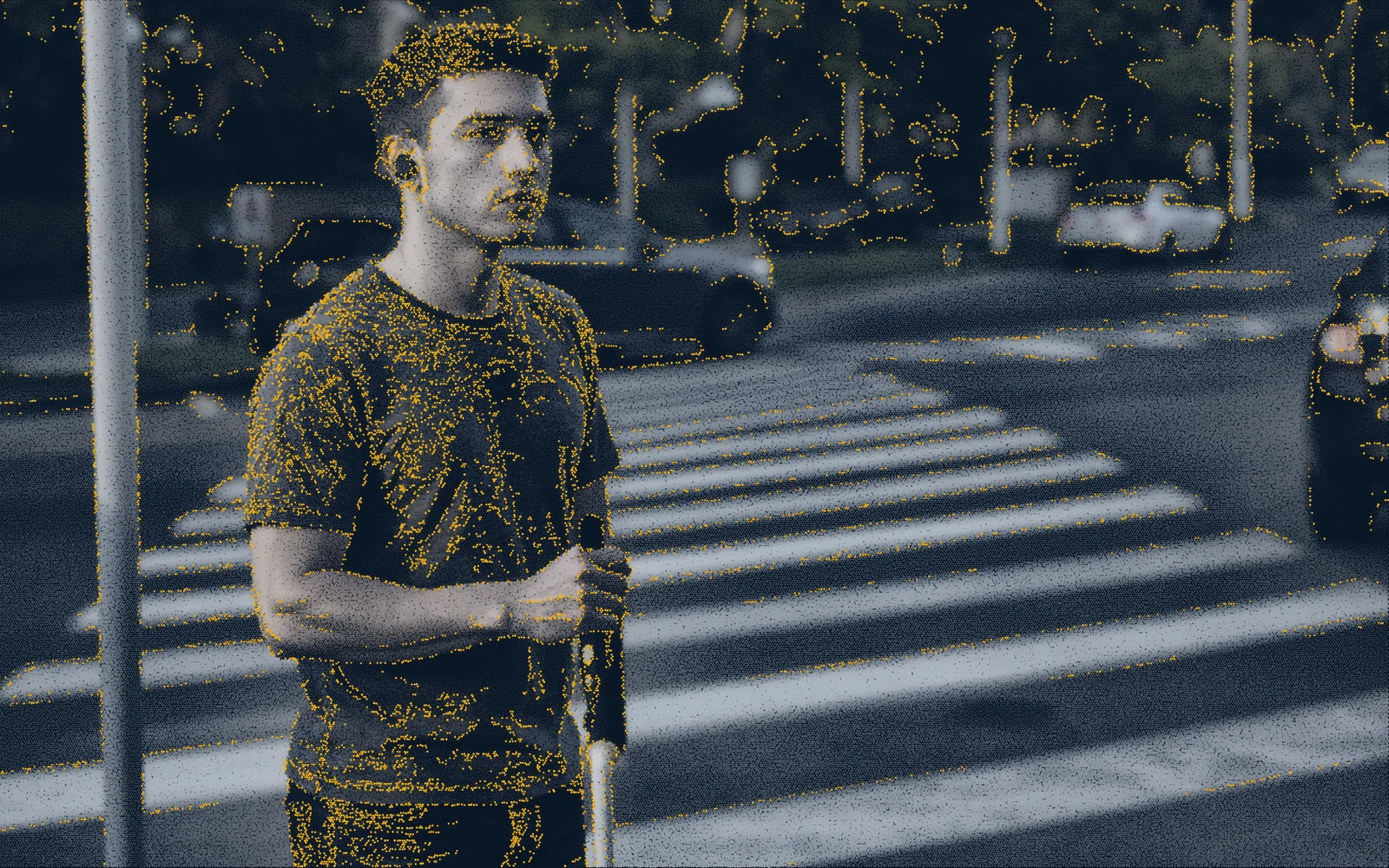
Technology
More on how Lumistep works.
Each part of the system has its own page, with sources and honest limits. Or start from the technology overview.
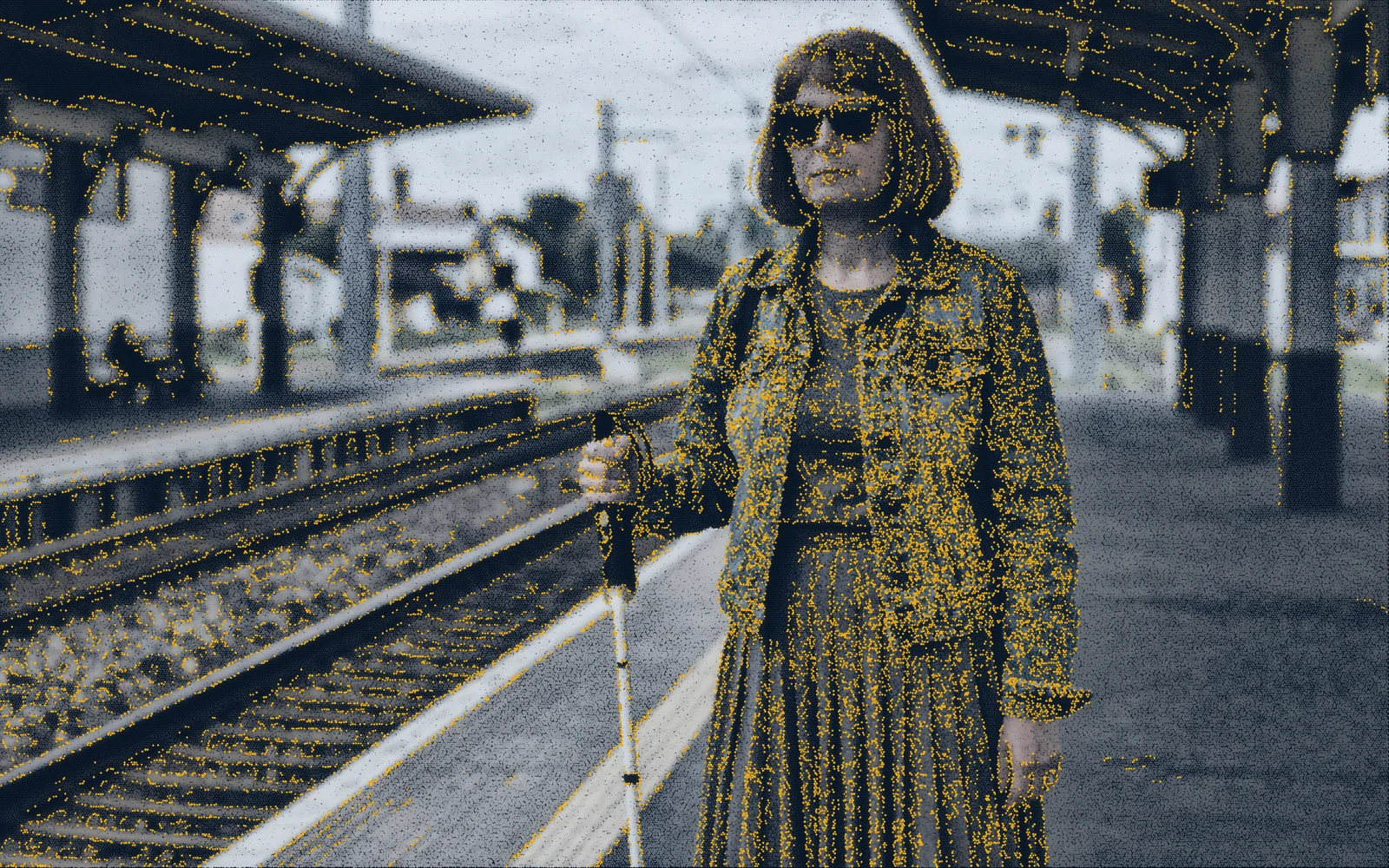
Lumi Vision
A camera that only processes what changes
The event sensor in the glasses and the buds' clip, what Lumi can read and describe, and where the science is still young.
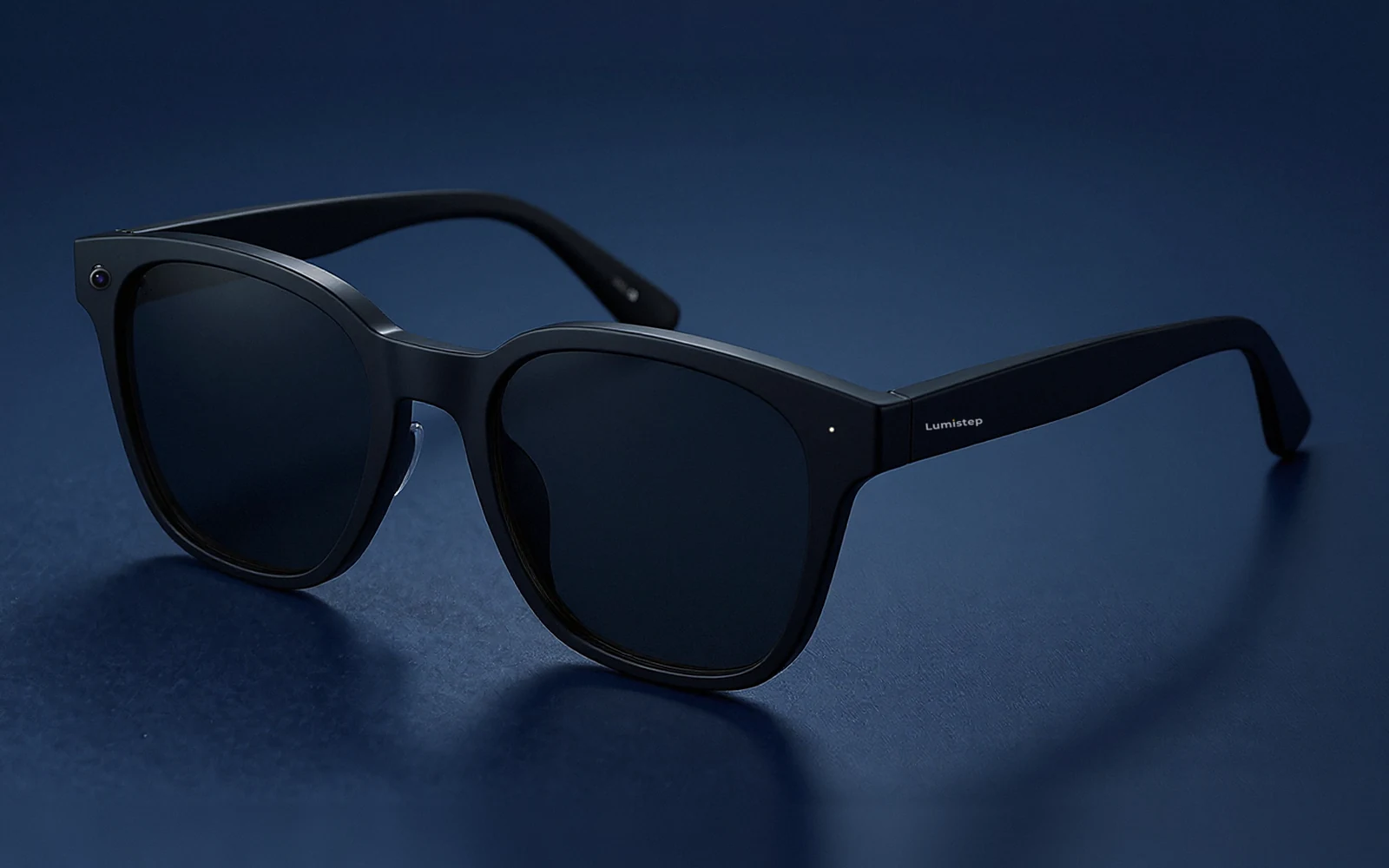
Lumi OS
Our own software, and your privacy
The firmware inside every device: deliberate controls, quiet alerts, updates over the air and nothing stored by default.
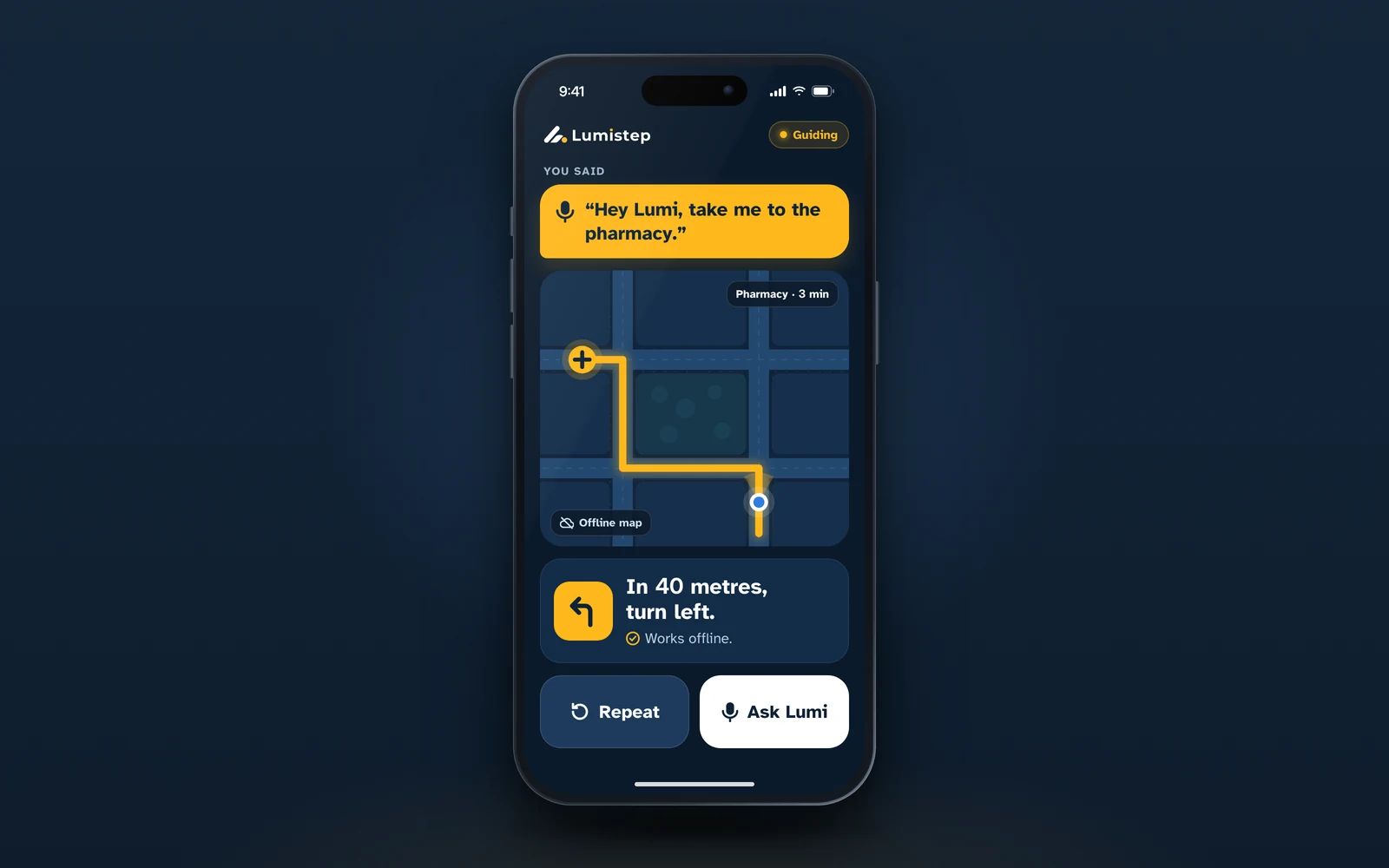
Offline
Maps, on-device AI and battery
What works with no signal at all, how the phone does the heavy thinking, and how long each device lasts.
Safety
Certification, testing and honest limits
The tests before anything is sold, how we trial with blind people, what the research says and what Lumistep will never claim.
Lumistep
Get involved
Three ways to help blind and low-vision people walk, read and travel on their own.
For people and families
Join the waitlist
Hear first about field trials and the first production kits, and help shape what we build.
Join the waitlistFor charities, trainers and sponsors
Support Lumistep
Sponsor a kit, host a field trial or partner with us to reach the people who need it most.
Ways to supportFor investors
Invest in Lumistep
We are raising our first round to complete engineering and field trials. Let's talk.
For investors