
How it works
Talk, touch, hear.
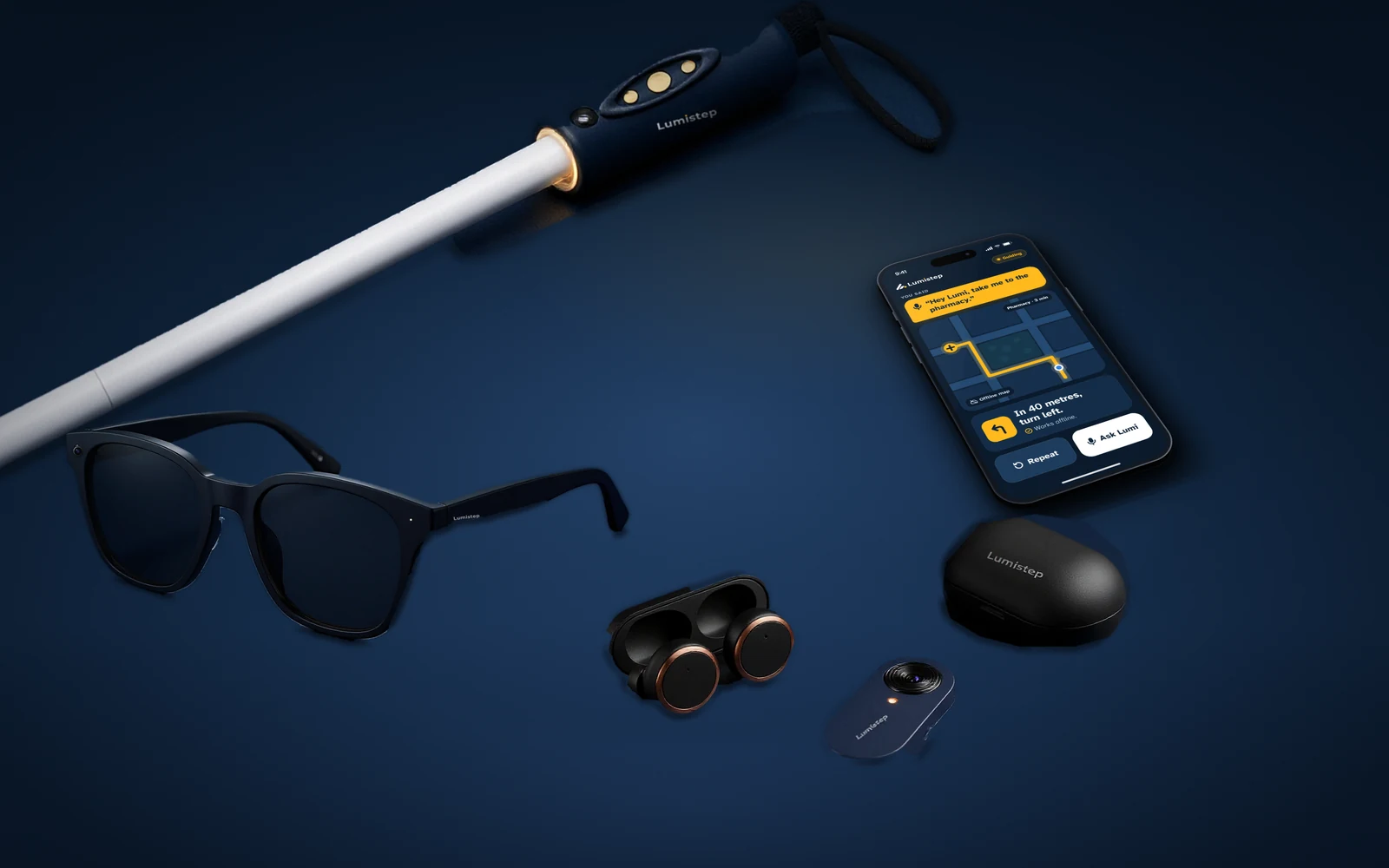
Lumistep is built so nobody has to look at a screen. You talk to Lumi, you feel the cane, and you hear short, calm answers.
Here is how the smart cane, your glasses or buds and the app work together over an ordinary day.
Concept image. Lumistep is in engineering development.
Three ways in
No screen. Just your voice, your hand and your ears.
Talk
Ask out loud.
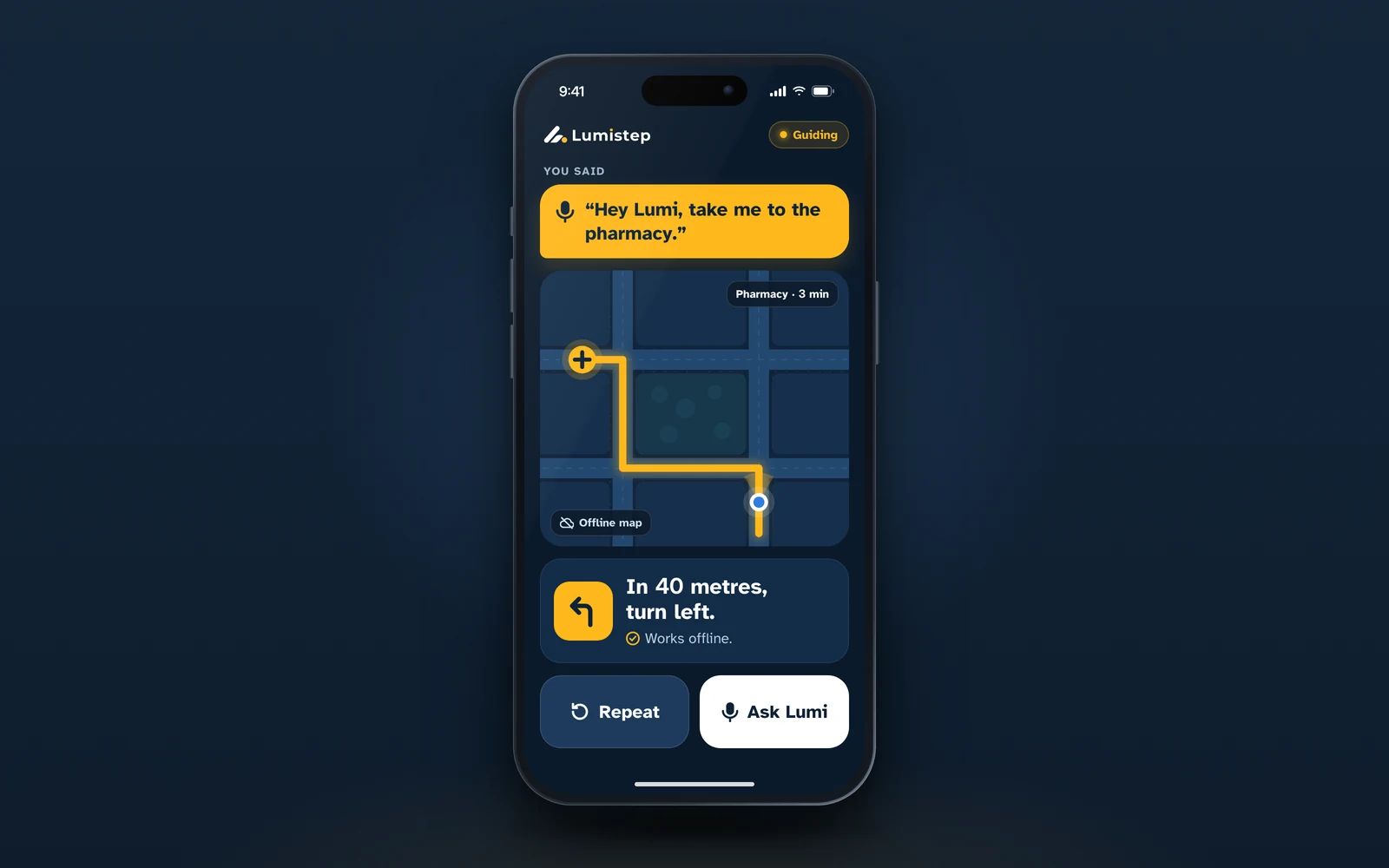
Hold Talk on the cane for half a second, or say “Hey Lumi”, then ask in your own words. Lumi reads back anything important before it acts.
“Hey Lumi, read this letter.”
Touch
Feel the way.
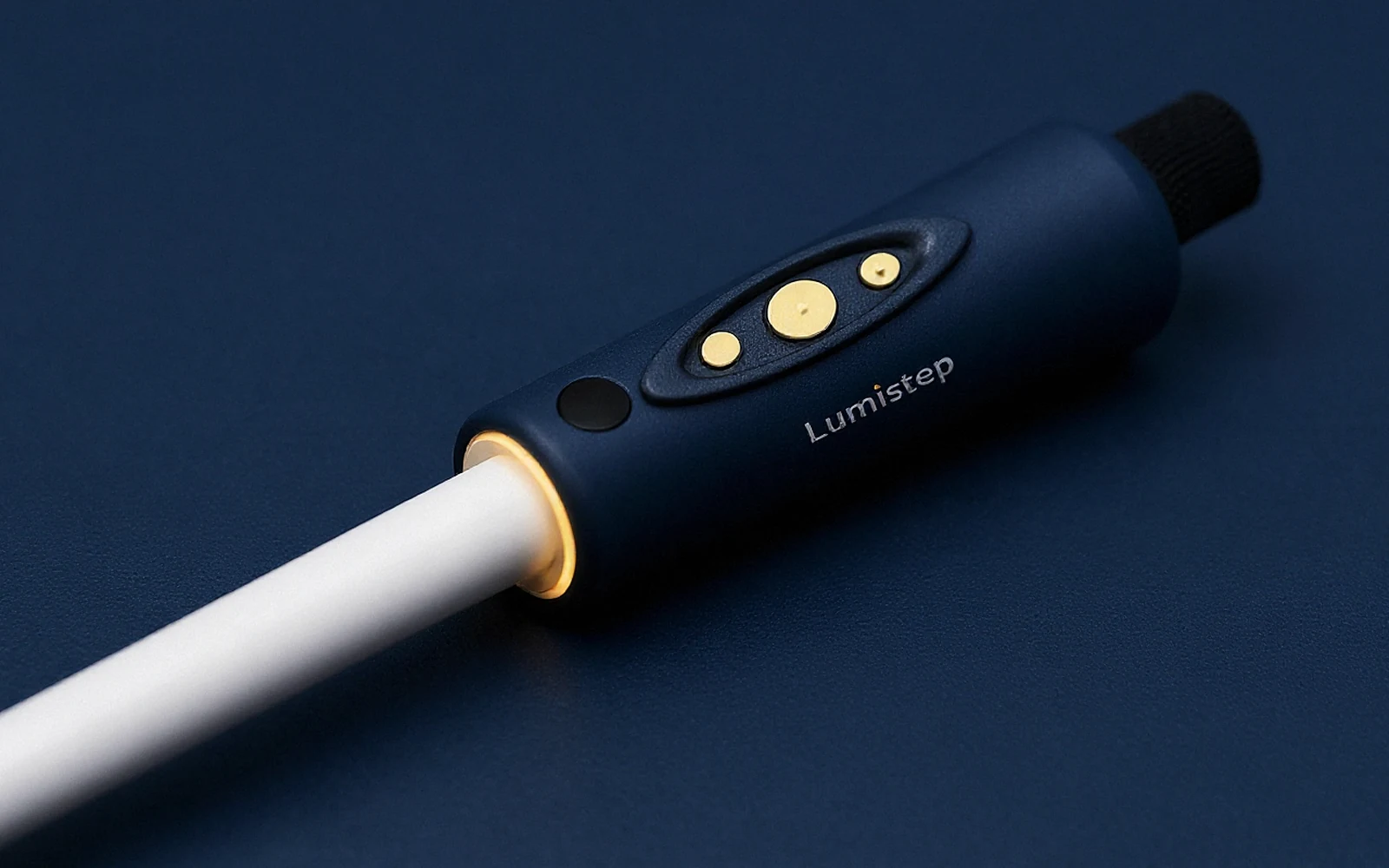
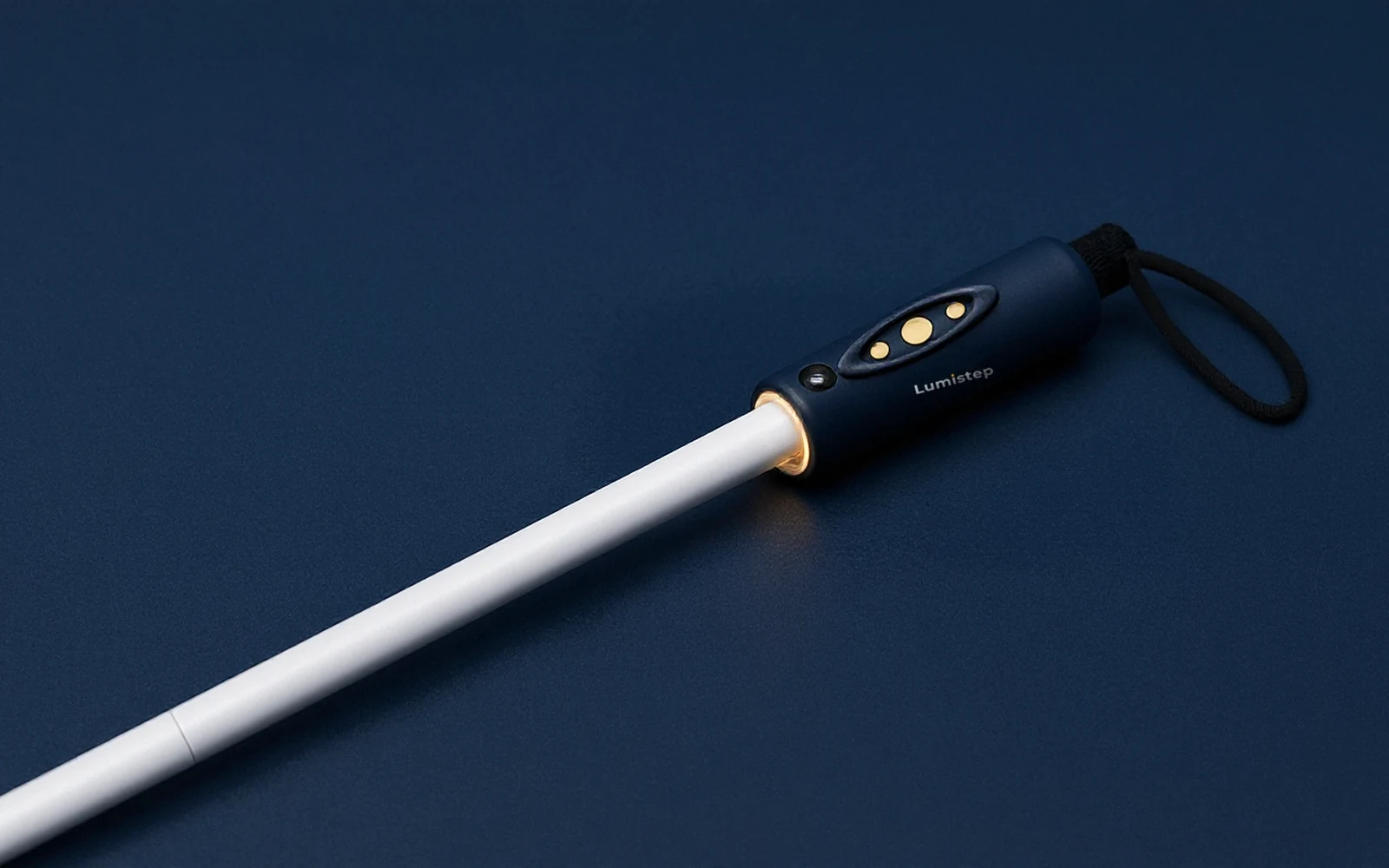
The cane speaks through your hand: a buzz on the left for something on the left, faster as it gets closer. Three buttons sit in a guarded thumb pad, found by feel.
A tap on the left: your turn is coming up.
Hear
Short, calm answers.
One line at a time, through open-ear glasses or one bud, so the traffic stays in your ears and the phone stays in your pocket.
“In 40 metres, turn left.”
Working together
Three devices, one calm system.
- Feels the path ahead and the ground, and buzzes left or right. It needs no phone and no signal to warn you, and its thumb pad holds Talk, Call and SOS.
- Offline maps and walking routes, reading, money check, calls and SOS, in English and South Asian languages. It joins everything together.
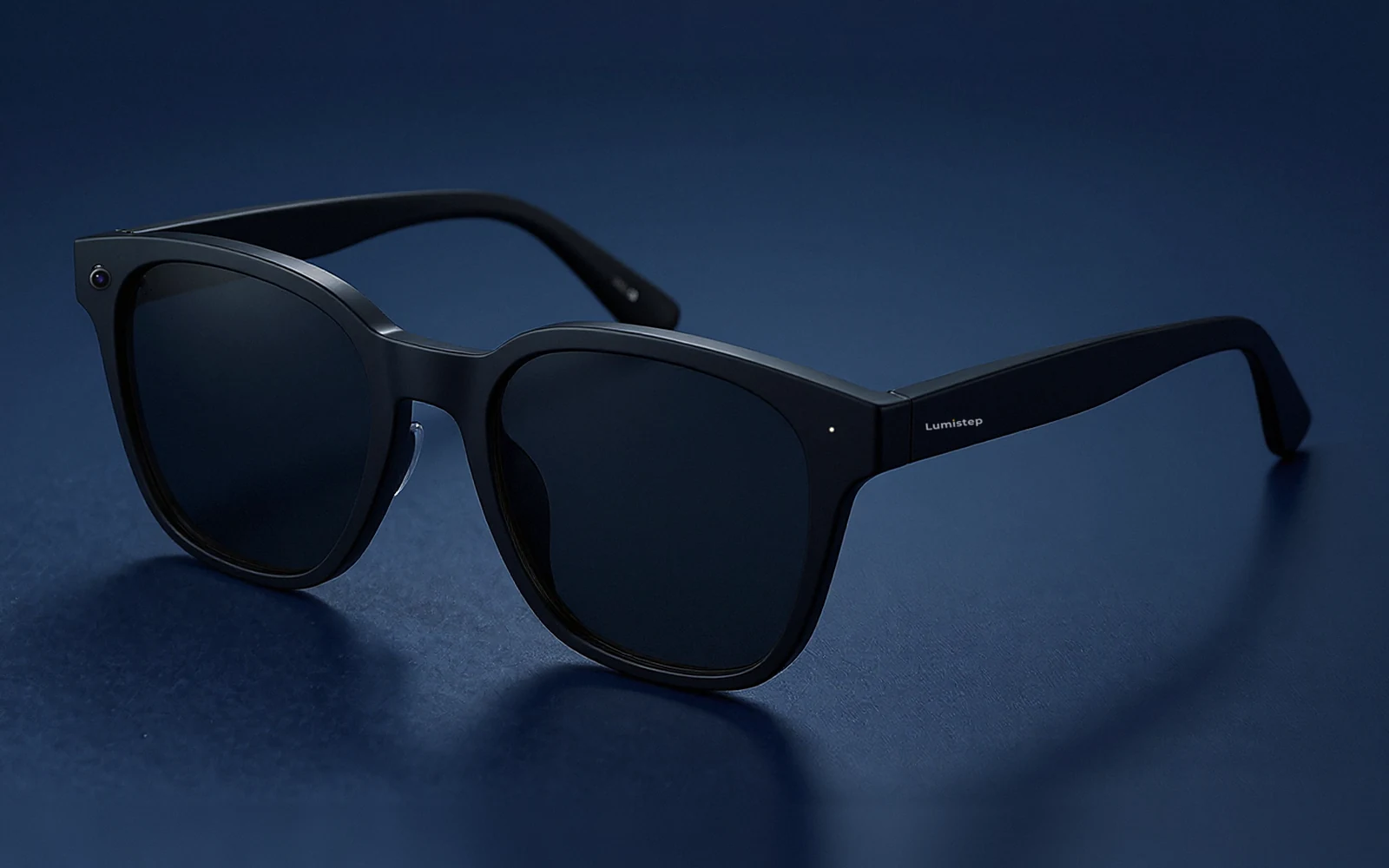
- Designer frames with Lumi Vision in the corner and open-ear speakers in the temples. Lumi answers in a voice only you hear.
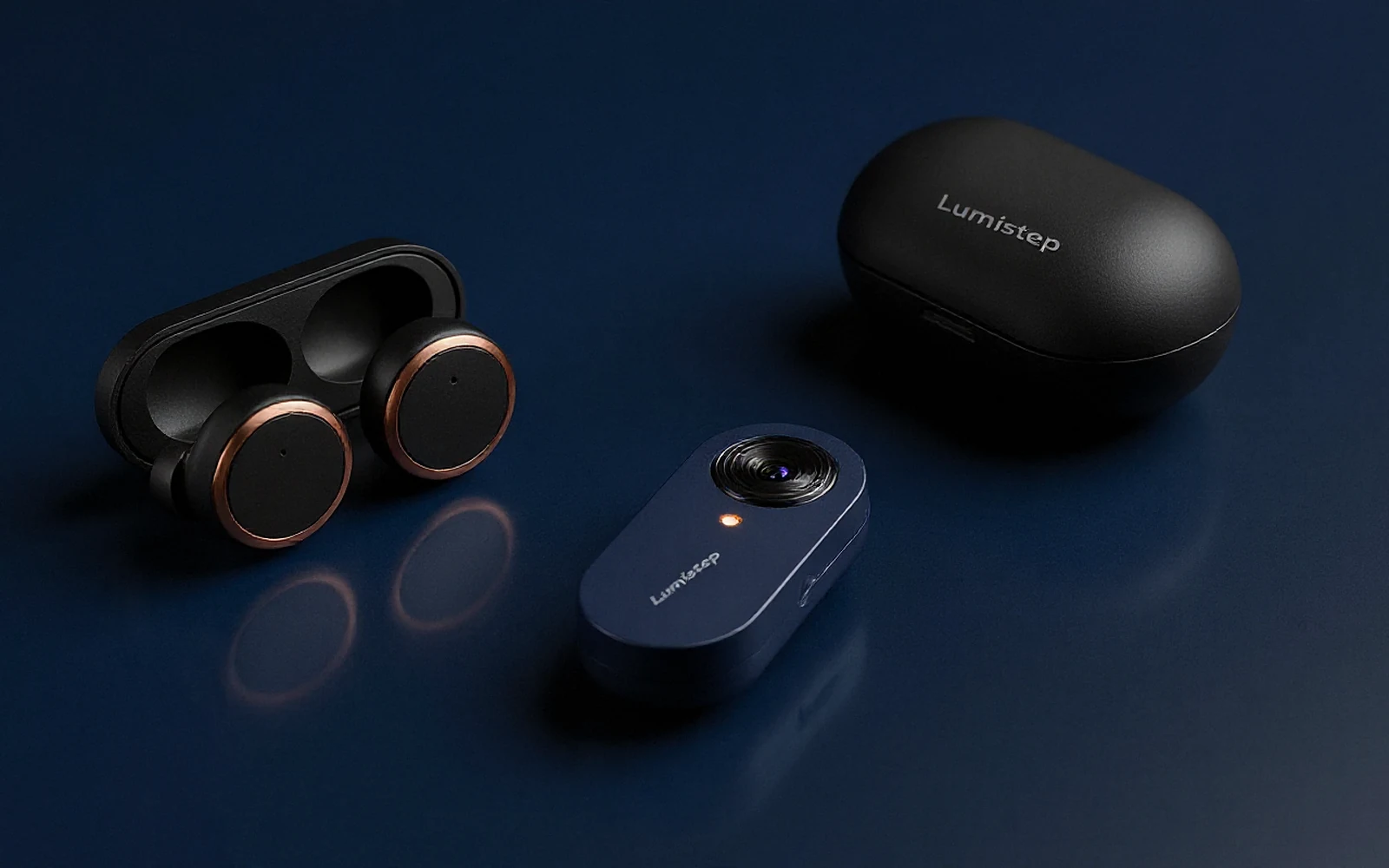
- Tiny stemless buds with a real vent and a one-ear walking mode, for people who would rather not wear glasses.
- A coin-sized clip with the same ultra-low-power sensor as the glasses, worn on the collar with the buds.
Most people choose glasses or buds, not both. The kit is one cane, one of the two, and the app: planned at $199 · £149.
Built to keep going
Flat, forgotten or out of signal? It still works.
No phone with you
The cane still senses and buzzes, fully offline. The Lumi ring still glows.
No signal
Maps, routes, reading, money check and voice run on the phone. SOS goes by text message.
Glasses or buds flat
The phone speaker and camera take over for guidance, reading and money check.
Cane battery flat
You still hold a complete, normal white cane. Your skills do the rest, as they always have.
A day with Lumistep
An ordinary Tuesday.


7:40
Out of the door.
You unfold the cane. A short buzz says the battery is fine, and the Lumi ring starts to glow.
Cane
7:50
The walk to the bus stop.
You hold Talk: “Take me to the bus stop on Park Road.” Lumi reads it back and waits for your yes. The route comes from the map stored on the phone, and each turn arrives as a tap on the side to turn.
Cane, buds, app · Works offline
8:05
A van on the pavement.
Its wing mirror sits at head height, where your tip can’t reach. The cane buzzes on the left, then on both sides as you close in. You step round it.
Cane · Works offline
8:15
“Is this the 42?”
A bus pulls in. You ask, and Lumi answers from what the clip can see. If the signal drops, it says so.
Buds and clip · Needs internet
10:30
A letter at work.
Read a page takes it in order. “Go back a line,” and it does. The small read camera switches on only for this.
Glasses or clip · Works offline
13:00
Lunch at a busy market.
You switch the cane to Crowd mode so it looks only a short way ahead. At the stall: “Which note is this?”
Cane, app · Works offline
17:45
Home at dusk.
Walk with Lumi takes you back. At the kerb, Lumi tells you where the crossing is. When to cross is your call, made with your skills and your hearing.
Cane, buds, app · Works offline
21:30
On charge.
The buds go in their case. The cane only needs a cable every few weeks.
Buds, cane
Who uses the app
The person who walks. Without looking at it.
People often ask us who uses the app if the person is blind. They do. Phones are already part of daily life for many blind people, read aloud by VoiceOver or TalkBack.
With Lumistep the phone can stay in a pocket. You speak to Lumi through the glasses or buds, and the cane’s buttons and buzzes do the rest.
Not everyone has a smartphone, especially where incomes are low. That is why the cane needs no phone at all, and why we are designing a ready-set-up phone option.
91.8%[127]
of screen-reader users in a 2026 survey used one on their phone
69%[128]
of people with sight loss in the UK own a smartphone, once age is taken into account
90%[129]
of visually impaired adults aged 55+ became confident with an assistive app after about an hour of training
17%[130]
of visually impaired phone owners in one low-income setting had a smartphone
Setting up
Set up together. Then it’s yours.
Step 1
Open the box
A tactile quick-start card has a short braille line and a code that plays spoken set-up steps.
Step 2
Pair by voice
Hold Talk on the cane and the app finds it. Lumi talks you through the rest, one step at a time.
Step 3
Choose your people
Pick who Call rings and who hears about an SOS, with a family member beside you if you like.
Step 4
A first walk
A short practice route, ideally with a mobility trainer. There are only two things to learn: where, and how close.
What family can do, if you choose
- Help with first set-up
- Hear about an SOS, with your location
- See where you are, only when you share it (Plus plan)
- Join a live call and see through the camera when you ask
What stays yours
- Every trip, every day
- Nothing stored by default; on the device first
- Sharing switched off until you switch it on
- Say “forget that” and Lumi forgets
Planned set-up steps; we refine them with blind participants and trainers in field trials from February 2027.
Safety
Lumi never says a road is safe to cross.
It warns. You decide.
The cane and Lumi describe what is around you. They never judge traffic.
The cane never waits
Obstacle warnings come from the cane itself, with no phone and no signal.
SOS in one hold
Hold SOS for 3 seconds while the buzz counts down; let go to cancel. Your location goes by text message.
Honest when unsure
Lumi says when an answer is a quick offline guess, and when it is not sure at all.
No accidental presses
Guarded, flush buttons with a firm click, and quick taps ignored while the cane swings.
Keep your training
Lumistep adds to your orientation and mobility skills. It does not replace them, or a guide dog.
The Lumistep family
Meet each part of the kit.
Lumistep
Get involved
Three ways to help blind and low-vision people walk, read and travel on their own.
For people and families
Join the waitlist
Hear first about field trials and the first production kits, and help shape what we build.
Join the waitlistFor charities, trainers and sponsors
Support Lumistep
Sponsor a kit, host a field trial or partner with us to reach the people who need it most.
Ways to supportFor investors
Invest in Lumistep
We are raising our first round to complete engineering and field trials. Let's talk.
For investors